

Published: April 18, 2026
You know that managing video production can often feel overwhelming with so many tasks to juggle. Finding the right tools to streamline your workflow is essential to save time and deliver quality content consistently.
These three apps are designed to simplify your video creation, customization, and optimization processes, letting you focus on your message and audience instead of wrestling with complex software or technical details. By integrating these solutions into your routine, you can enhance your productivity and elevate your video projects effectively.
Category |
Product |
Price |
Score |
|---|---|---|---|
🚀 AI-Powered Editor |
$99 |
87/100 |
|
🎨 Best Customizable Player |
$69 |
84/100 |
|
🎯 YouTube Optimization |
$49 |
90/100 |
We focused on tools that genuinely help you increase efficiency in your video production process while maintaining professional quality. This means evaluating AI capabilities for automating editing tasks, ease of use for quick customization, and features that improve your video’s reach and engagement on platforms like YouTube. We also considered user feedback to ensure reliability and ongoing product improvements.
Finally, affordability and lifetime value were important, so you know your investment works for you long-term.
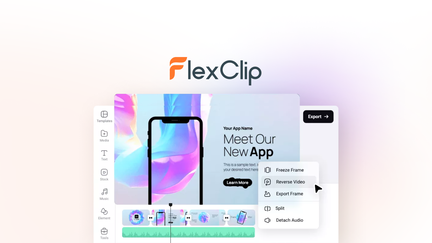
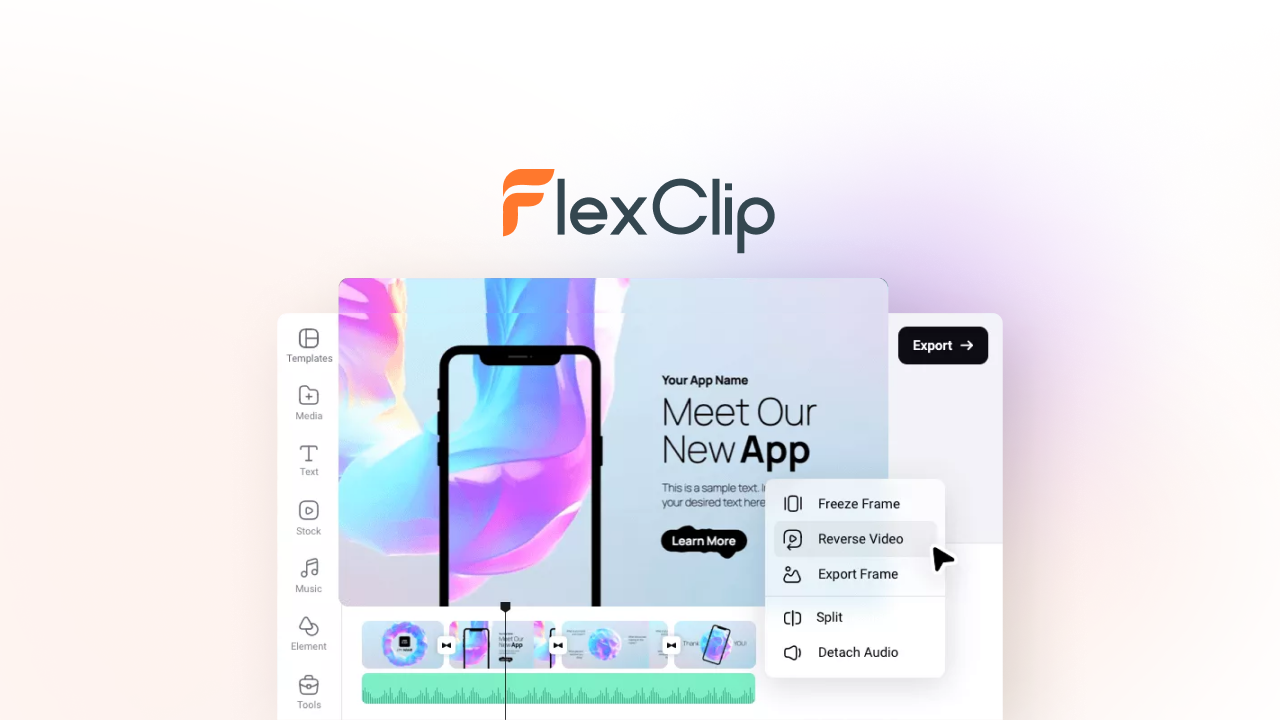
FlexClip gives you the flexibility to create and edit videos with ease, whether you’re prepping a quick social media clip or working on a full project. Its AI tools help speed things up without sacrificing quality, and the built-in templates and millions of stock assets mean you don’t have to start from scratch every time. It’s great for daily content creators and marketers, as well as anyone who wants to add a polished finish to special videos without a steep learning curve. You’ll find it helpful as a solid all-around editor that balances power and simplicity well.
Users generally appreciate FlexClip’s approachable interface and time-saving AI features. Many highlight how it streamlines video creation for small businesses and content creators.
Some mention areas for improvement like more control over video length and smoother clip replacement, but the overall sentiment is positive with customers valuing the tool’s reliability and support.
🗣️ nayanbd
The interface is clean, beginner-friendly and it makes it easy to create professional-looking videos quickly. For content creators, marketers and small businesses, it can save a lot of time. Improving some features like video length control and footage replacement would make the workflow even smoother.
🗣️ Abdul_
It’s a really powerful tool with a lot of potential. The AI features are a great companion to enhance editing, and even if credits run out, you still have full access to the editor’s non-AI tools including timeline editing and 4K exports.
Pros |
Cons |
|---|---|
✅ Clean, intuitive interface that’s easy for beginners |
❌ AI text-to-video feature can be unstable at times |
✅ Powerful AI tools enhance the editing experience |
❌ Credit system for AI features may feel limiting |
✅ Cloud storage and future updates included |
❌ Some users want better clip replacement workflow and editing controls |
✅ Rich library of stock assets and templates |
|
✅ Supports 4K video exports |
You get lifetime access to the core editor which means you won’t have to keep paying for basic video tools. The credits for AI features are a one-time allotment, so you can manage costs based on how much AI assistance you actually need.
This makes FlexClip a smart choice if you want ongoing access to professional editing without monthly subscriptions.
Because you can create polished, professional-grade videos quickly, you’re likely to save hours compared to manual editing. Many users find that investing in FlexClip pays off by boosting content output and quality, which can make a real difference in marketing or client projects you work on.
Performance is generally strong with fast load times and smooth 4K exports. Occasionally the AI script-to-video process may pause or produce incomplete scenes, but the core editor remains reliable and responsive.
Software |
Integration Quality |
|---|---|
Cloud Storage |
Seamless syncing and access across devices |
Stock Asset Libraries |
Millions of assets directly incorporated into editor |
AI Features |
AI tools integrated to enhance editing but usage is credit-based |
Feature |
Protection Level |
|---|---|
Data Privacy |
Standard encryption and secure cloud storage |
Credit Management |
Non-renewing credits stored safely with lifetime access to editor |
FlexClip mainly focuses on individual editing workflows, but its cloud storage supports easy access to your projects from anywhere. Real-time team collaboration features are limited at this stage.
Reporting features are minimal within FlexClip itself, as it is primarily an editing tool rather than an analytics platform. You’ll want separate tools for video performance insights.
Current Price: $99
Rating: 4.65 (total: 478+)
Learn More
If you want your YouTube videos to look sharp and professional on your site without all the usual ads and YouTube branding, KillerPlayer is a solid choice. It’s perfect for daily use on websites, landing pages, or client portals, and also works well when you want a polished look for sales funnels or courses.
The player is easy to set up, offering customizable themes and colors to keep everything on brand. You’ll appreciate how it loads quickly and performs smoothly, especially on mobile devices.
People appreciate how KillerPlayer turns ordinary YouTube embeds into sleek, distraction-free videos that match their brand. Users highlight the simplicity and effectiveness of the customization options, making it a go-to for clean video presentation.
Some wish for even more player options and features, but overall the experience is positive and reliable.
🗣️ followjulius.com
KillerPlayer does exactly what I hoped it would, making YouTube videos look professional and clean on my websites. No ads, distracting suggested videos, or branding pulling viewers away from my content. The customization options and fast loading times give my videos a premium feel at a fraction of the cost.
🗣️ drummersgabe
Very simple to use and effective. Does exactly what it says it does - glad I bought it!
Pros |
Cons |
|---|---|
✅ Easy setup—just paste your YouTube link |
❌ Limited to YouTube videos only, not a hosting platform |
✅ Multiple player themes with full color control |
❌ Only five player themes available currently |
✅ Removes ads and YouTube branding for a professional look |
❌ Some advanced features like video categorization and presets are planned but not yet available |
✅ Fast loading and mobile responsive |
With KillerPlayer, you avoid hefty fees for premium video hosting services while still delivering a clean, branded experience. You pay once for lifetime access, which makes it easy on your budget as your video library and viewer counts grow.
By reducing distractions in your videos and improving the viewing experience, KillerPlayer can help keep visitors engaged longer and boost conversions. Its ease of use also means less time spent tweaking video embeds, giving you more time to focus on growing your audience or business.
Aspect |
Ease Level |
Notes |
|---|---|---|
Setup |
Easy |
Just paste YouTube links, pick your style, and embed—no tech headaches. |
Customization |
Moderate |
Five themes and unlimited colors give good control, with more options coming soon. |
Mobile Experience |
Easy |
Responsive design ensures your videos look great on any device. |
Embed Management |
Moderate |
Currently lacks features like video organization but roadmap includes improvements. |
Videos load quickly with a clean, distraction-free interface that keeps viewers engaged. Player runs smoothly even on slower connections and mobile devices.
Software |
Integration Quality |
|---|---|
YouTube |
Seamlessly turns YouTube videos into branded embeds |
Web Platforms |
Simple embed code works on most website builders and landing pages |
Feature |
Protection Level |
|---|---|
Password Protection |
Available to restrict video access |
No Third-Party Ads |
Keeps your content free from external branding and viewer distractions |
KillerPlayer doesn’t offer direct multi-user collaboration tools but simplifies sharing and embedding through clean links and customizable player settings.
Includes basic video analytics like views and engagement, helping you track how your audience interacts with your content.
Current Price: $69
Rating: 4.44 (total: 222+)
Learn More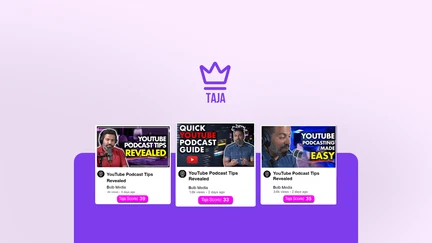
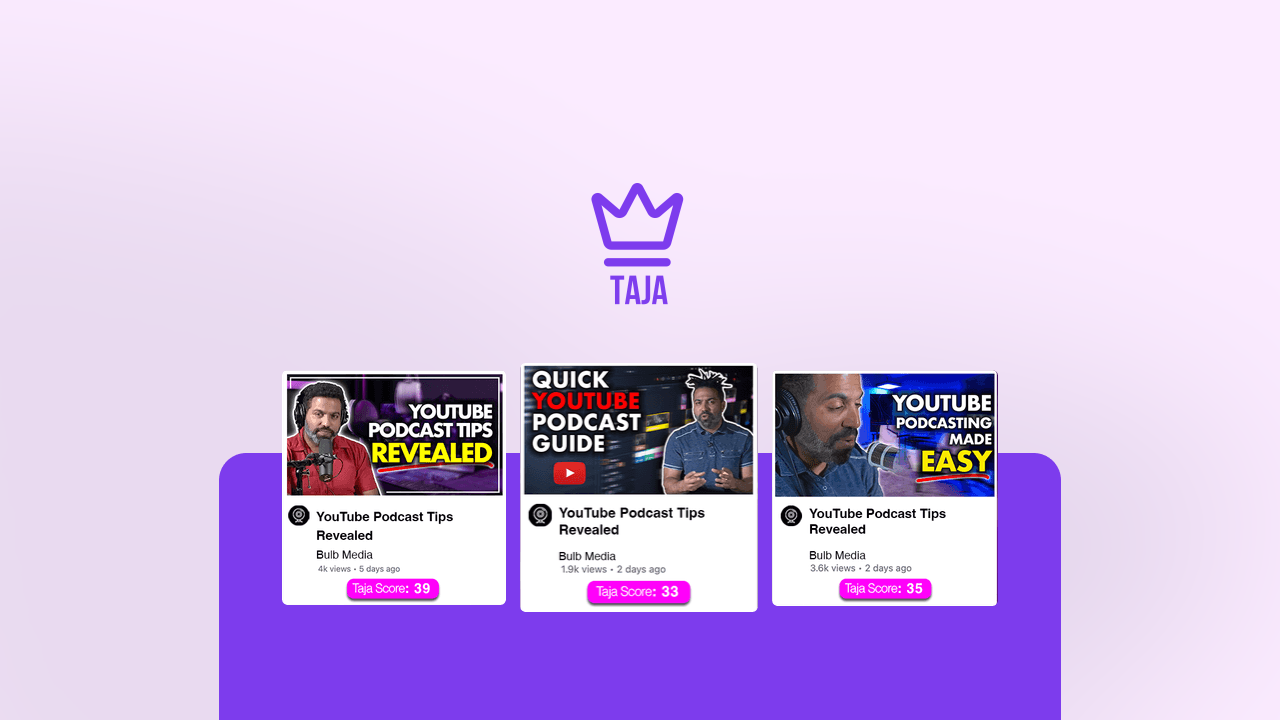
If you’re uploading videos to YouTube regularly, Taja can save you a ton of time by handling the titles, descriptions, tags, thumbnails, and even shorts automatically. It’s especially handy when you want to keep your content fresh without spending hours on optimization tasks.
Whether you’re a podcaster, real estate pro, or full-time YouTuber, Taja’s AI tools help you move faster while making sure your videos stick out the right way. On busy days or when you’re managing multiple platforms, having this kind of smart assistant really takes a load off.
Users frequently mention how much time Taja saves them by automating key parts of the publishing process. There’s praise for its accurate, ready-to-use optimization, especially for busy creators who juggle multiple channels.
Some users note room for improvement in language support and shorts features but overall find it a valuable asset in their toolkit.
🗣️ learningpoint
I'm blown away by Taja. It’s so simple to use and fast to create. Just add your URL and in moments you get optimized titles, descriptions, tags, thumbnails, and shorts—all ready to publish. It’s saved me a huge amount of time and effort.
🗣️ douglasi
Taja is definitely worth the investment. It keeps improving, and it makes posting to platforms like YouTube, Facebook, and TikTok much easier. The titles, descriptions, and tags are spot on, and I hardly ever need to edit the results manually.
Pros |
Cons |
|---|---|
✅ Simple setup with fast results |
❌ Shorts feature lags behind some competitors |
✅ Strong AI for titles, descriptions, and thumbnails |
❌ Limited support for certain languages like Arabic |
✅ Multi-platform publishing support |
❌ Captions could be more stable for complex uploads |
✅ Regular updates and responsive support |
With Taja, you avoid spending hours on video optimization tasks that can easily pile up. Its lifetime access deal makes it easy on your budget while helping you maintain steady content output and better visibility without extra monthly fees.
By speeding up everything from SEO tagging to thumbnail creation, you can publish more consistently and grow your audience faster. The smarter workflow also frees you up to focus on bigger content ideas and strategy.
Aspect |
Ease Level |
Notes |
|---|---|---|
Setup |
Easy |
Just enter your video URL and let the AI do the work. |
Content Optimization |
Easy |
Generated titles, tags, and descriptions need minimal tweaks. |
Thumbnail Creation |
Moderate |
Works well for most cases though language direction can be tricky. |
Platform Integration |
Easy |
Supports multiple social media platforms seamlessly. |
Taja works quickly, usually creating optimized assets within minutes. The AI handles large projects well, though caption stability may vary depending on video complexity.
Software |
Integration Quality |
|---|---|
YouTube |
Strong integration for optimizing uploads and metadata |
Easy cross-posting support |
|
TikTok |
Supports short video creation and upload |
Feature |
Protection Level |
|---|---|
Data Privacy |
Complies with GDPR standards for personal data protection |
Access Control |
Secure account management with standard login protections |
While primarily designed for solo creators, Taja’s cloud-based platform lets you share access or content easily with team members when needed.
Taja presently focuses on content creation and optimization rather than detailed analytics, so you’ll still want to rely on YouTube or other platforms for viewer insights.
Current Price: $49
Rating: 4.69 (total: 98+)
Learn MoreFlexClip uses a credit system primarily for its AI-powered features. You get a one-time amount of credits that don’t expire, so you can use them as you need.
Even if you run out of credits, you still have lifetime access to the full video editor with all non-AI tools, templates, and 4K exports. If you need more AI usage later, you can buy extra credit packs anytime.
This setup helps keep the tool sustainable while giving you plenty of editing options.
KillerPlayer isn’t a video hosting platform like Vimeo or Wistia. It works by transforming YouTube videos into sleek, ad-free embeds that look great on your website or landing pages.
So, you still need to host your videos on YouTube, but KillerPlayer lets you customize how they appear, removing ads, recommended videos, and branding to keep viewers focused on your content.
Yes, Taja automates a lot of the time-consuming tasks involved in uploading videos. You simply add your video URL, and its AI generates optimized titles, tags, descriptions, thumbnails, and even shorts quickly.
While it’s great for speeding up your workflow, it’s worth noting that some features like shorts and certain language support are still improving. Overall, it helps you publish your content much faster without sacrificing quality.
Choosing the right video production tools can transform how you create and share your content. FlexClip offers you a powerful AI-driven editor that supports creativity and detailed control. KillerPlayer lets you present your videos with sleek, ad-free players that match your brand, enhancing viewer engagement. And Taja helps you easily optimize your YouTube content with smart automation, saving you valuable time.
Together, these apps empower you to produce polished videos faster and more efficiently, supporting your growth and success in the digital space.
| FlexClip | KillerPlayer | Taja | |
|---|---|---|---|
 |
 |
 |
|
| Rating | 4.65/5 (478 reviews) | 4.44/5 (222 reviews) | 4.69/5 (98 reviews) |
| Ease of Use | - Beginner-friendly interface - Quick video creation - Accessible features for various skill levels | - Simple and intuitive interface - Seamless integration with YouTube - Fast customization options | - Designed for rapid content optimization - Streamlined for YouTube postings - Automated processes with minimal input |
| Video Editing Highlights | - AI-powered tools for video editing - 4M+ stock assets available - Ready-made templates for fast production - Text-to-video feature with occasional reliability concerns | - Remove YouTube branding and ads - 5 player themes with unlimited color options - Customizable video players for branding - Supports vertical video and utilizes white-label functionality | - Generates titles, descriptions, tags, and thumbnails - Automated video transcription features - Crafts content for TikTok and other platforms effectively |
| Pricing Plans | - Original Price: $600 - Current Price: $99 - One-time payment for lifetime access | - Original Price: $179 - Current Price: $69 - One-time payment for lifetime access with tier options available | - Original Price: $105 - Current Price: $49 - Lifetime access with stacking options |
| Target Audience | - Content creators - Small businesses - Marketers | - Course creators - Marketing agencies - Web design agencies | - YouTubers - Podcasters - Content marketers |
| Learn More | Learn More | Learn More |