
You can configure options to create a Roundup with different layouts, language models, and visualizations. When creating a Roundup your selections are saved, so the next time you create a Roundup, your selections will be remembered and you can maintain consistency like a template.
Some options are limited to Roundups users on a Pro plan (or LTD Tier 2 and Tier 3), while other options are available to all users. Let's break down the options and compare the differences between them.
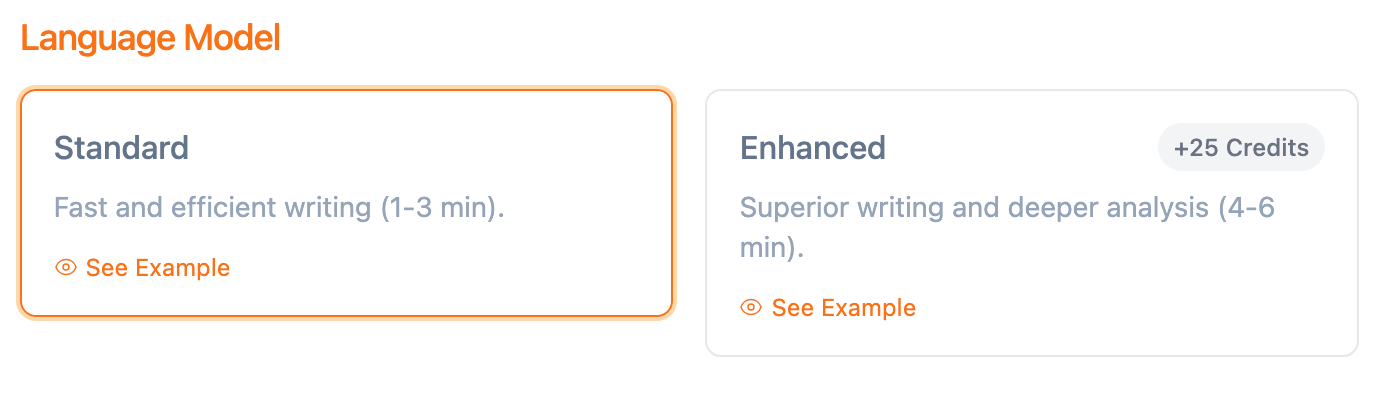
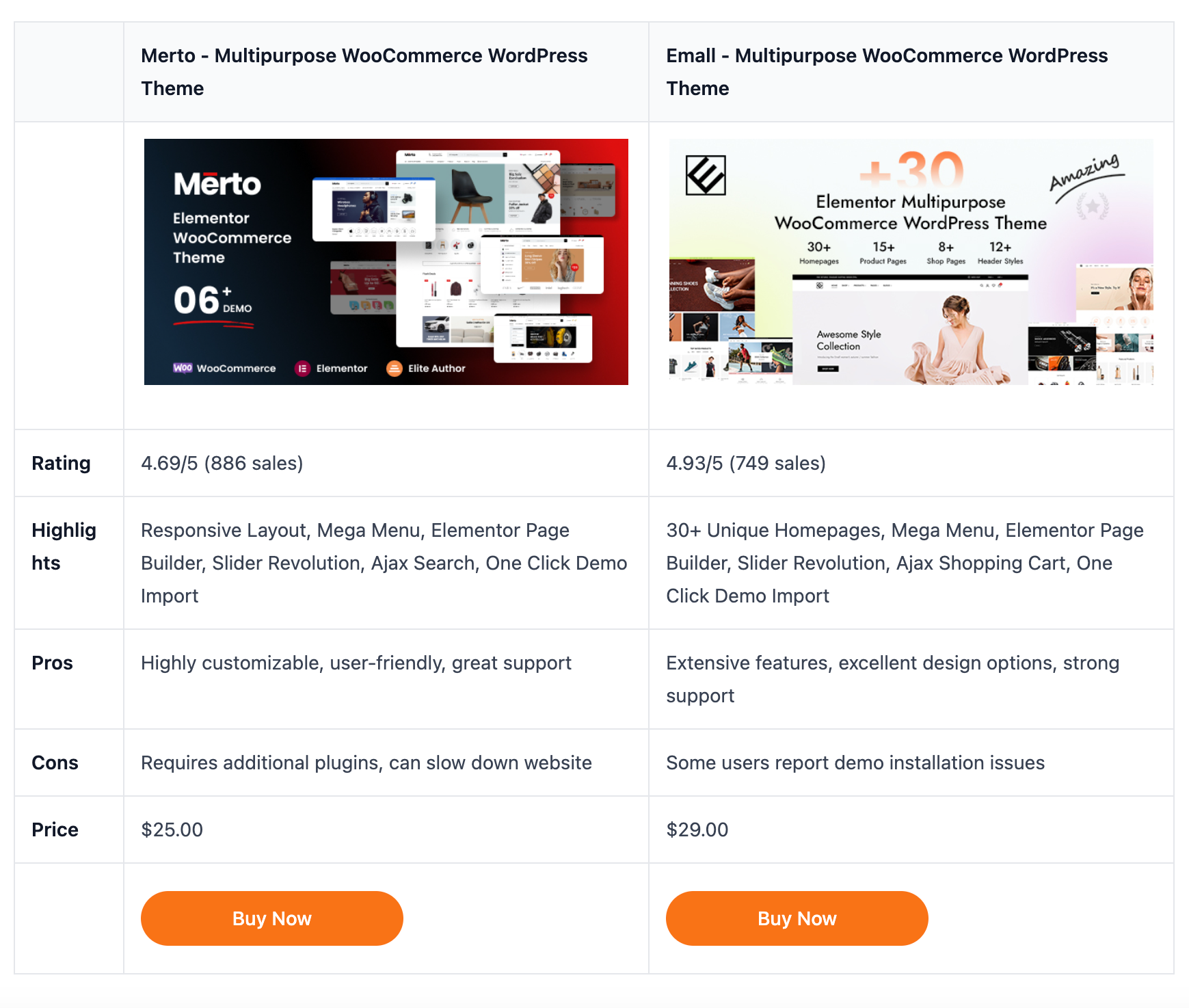
You may not notice the difference at a glance between Standard and Enhanced AI Language Models. There are subtle differences in content generation, but output with Enhanced AI includes more creative writing, more SEO-friendly writing, and deeper research and analysis. Here is an example of a comparison table generated with Standard AI that highlights the Pros and Cons of products covered in your Roundup.
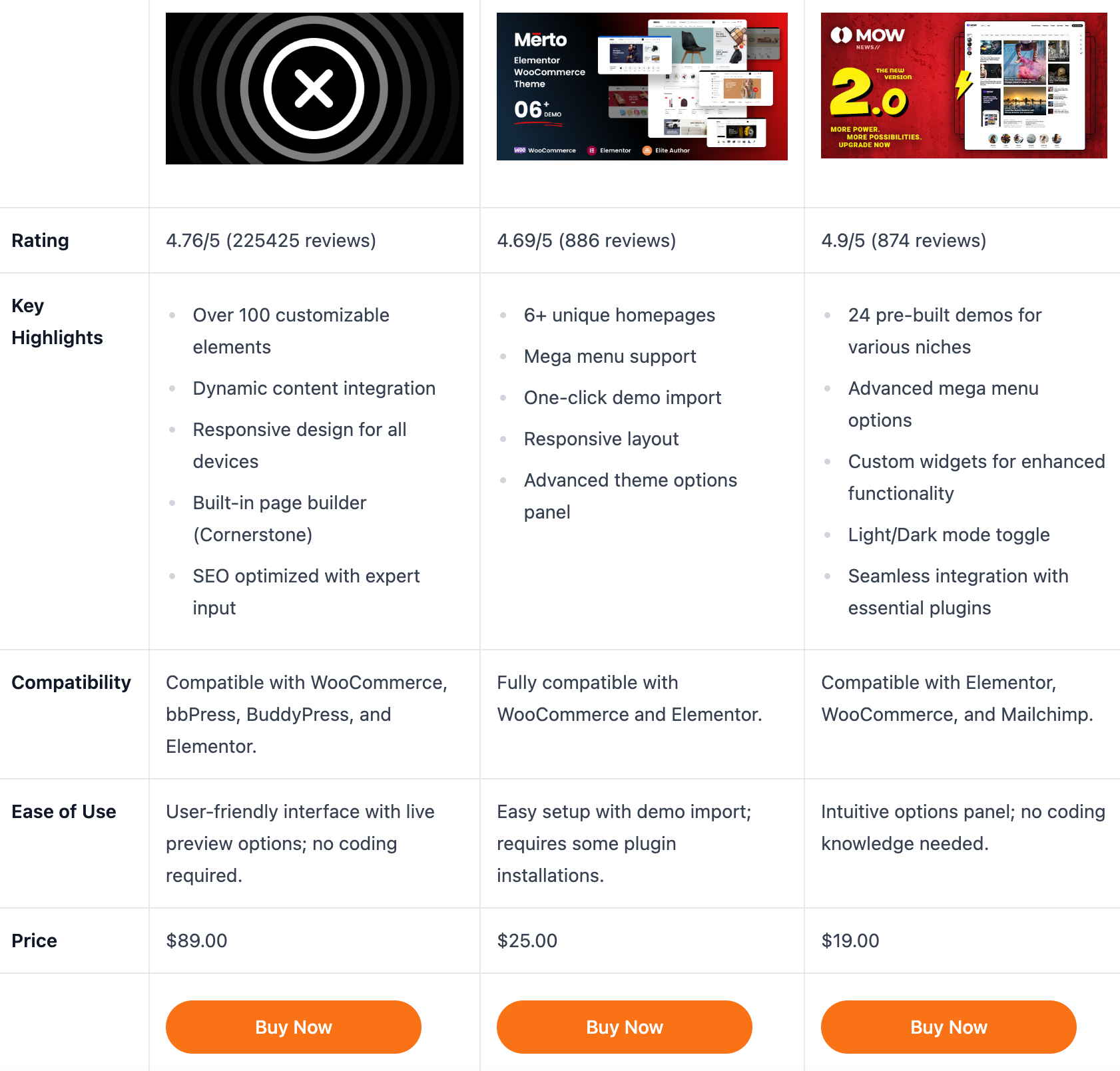
Here is a comparison table generated with Enhanced AI, which provides a more granular comparison of features and specifications.
Standard AI language models will output content in 1-3 minutes depending on how many products are added to the Roundup, while Enhanced AI will take 4-5 minutes but greater depth in content can lead to better results with more informed users, higher clickthrough rates, and more transactions that deliver you more revenue.
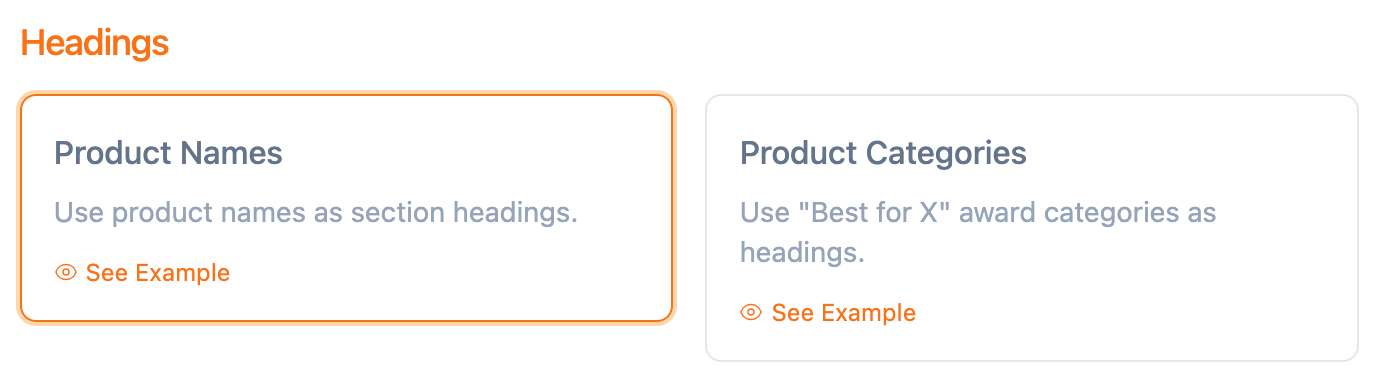 There are two ways to organize the sections of the document using headings. You can use the product names as headings, or you can use product categories generated by AI as headings. AI will determine which product is the for example, the best value, or best for a use case or occassion, and generates a table at the top of the document. You can then maintain this narrative throughout the rest of the document by using these AI-awarded product categories as section headings
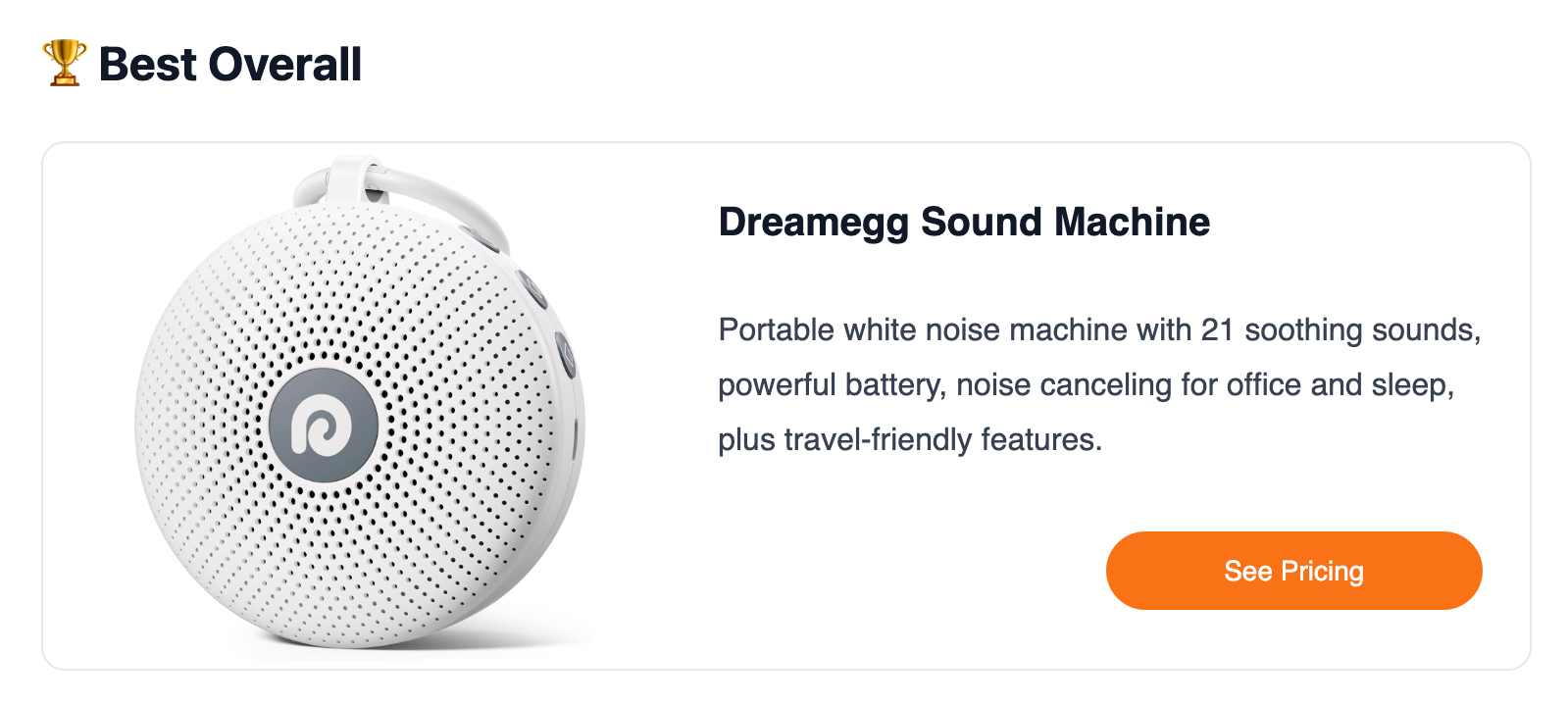
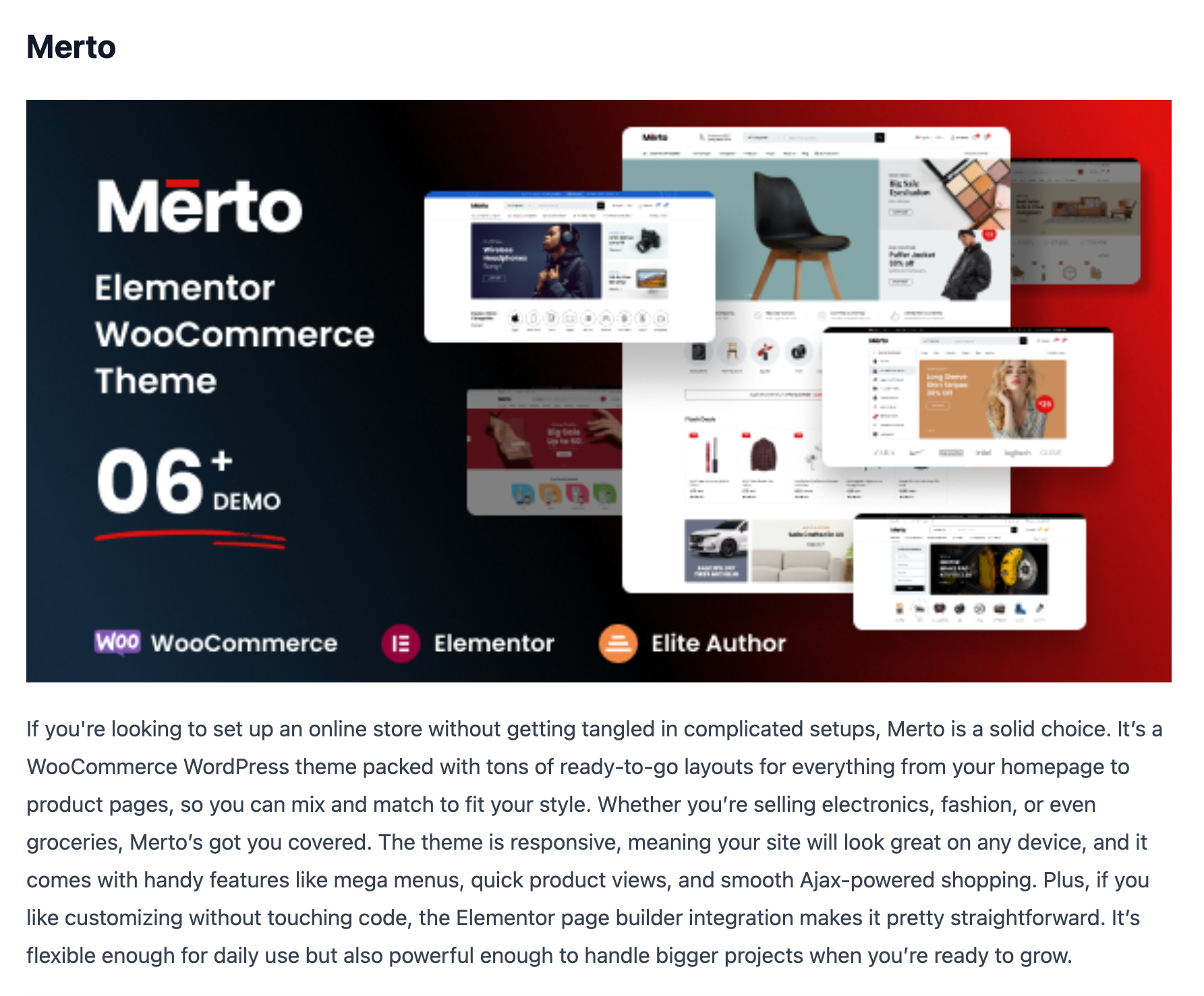
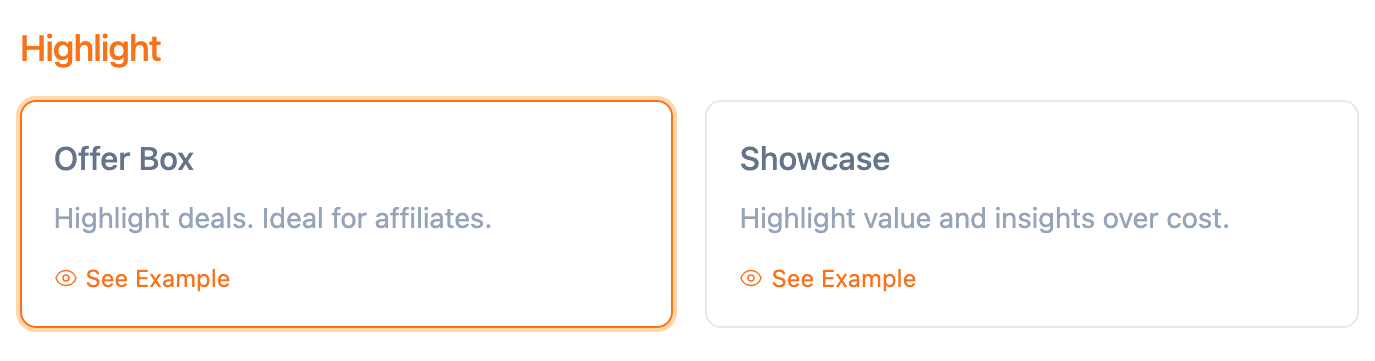 There are two different ways to highlight products. Showcasing products puts more emphasis on value and less emphasis on the deal or price, by featuring a larger image of the product, delivering insights, followed by a call-to-action button at the end. Here is an example of how youc an highlight value:
 If you choose the Offer Box option, there is greater emphasis on the offer or deal, presenting a smaller image of the product, the price or offer, and a call-to-action button at the top of the secion.
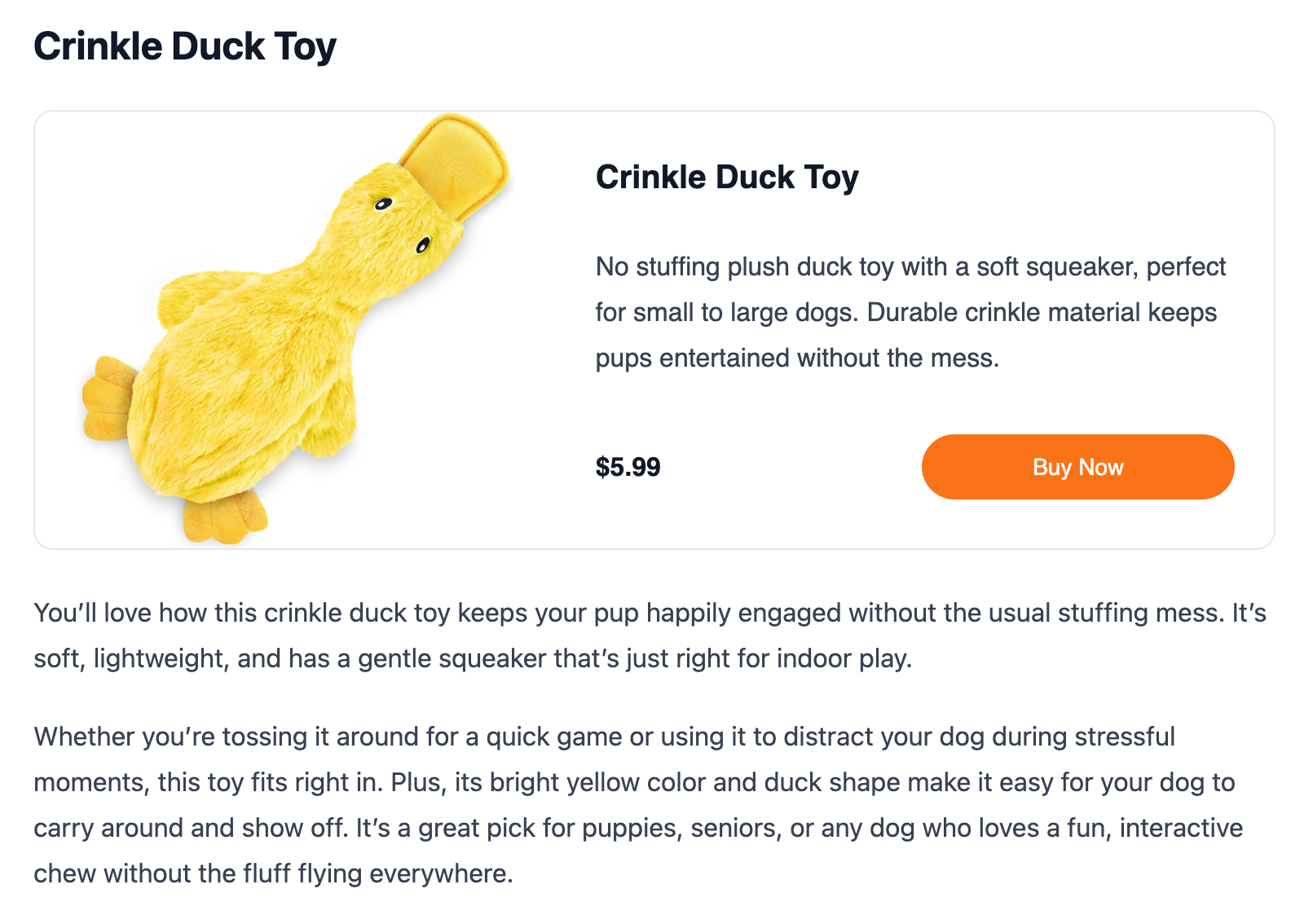 In short, the Offer Box is ideal for deals and driving clickthroughs based on price, or the special offer. It works best for eCommerce products. The Showcase Layout is ideal for software, or anything where you want to do a deep dive on a product.
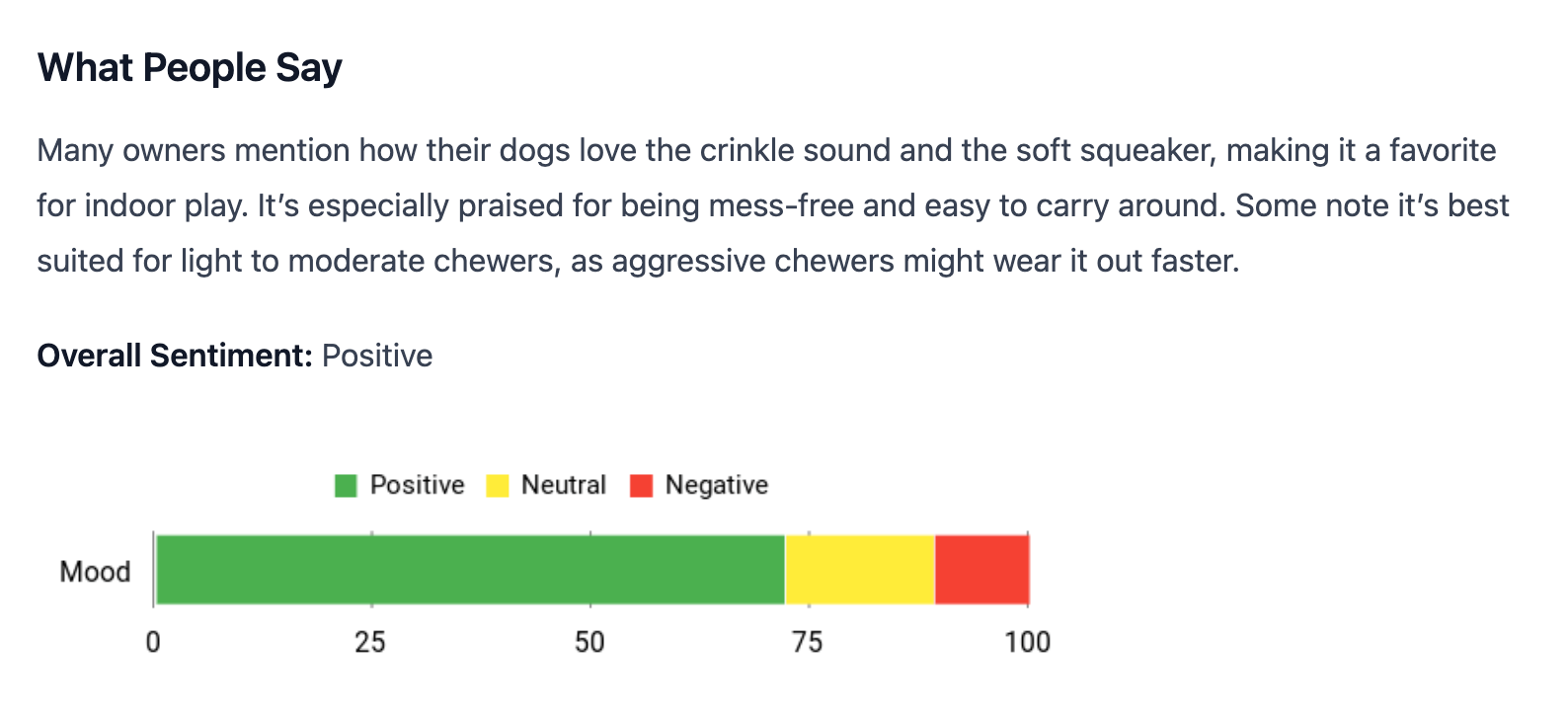
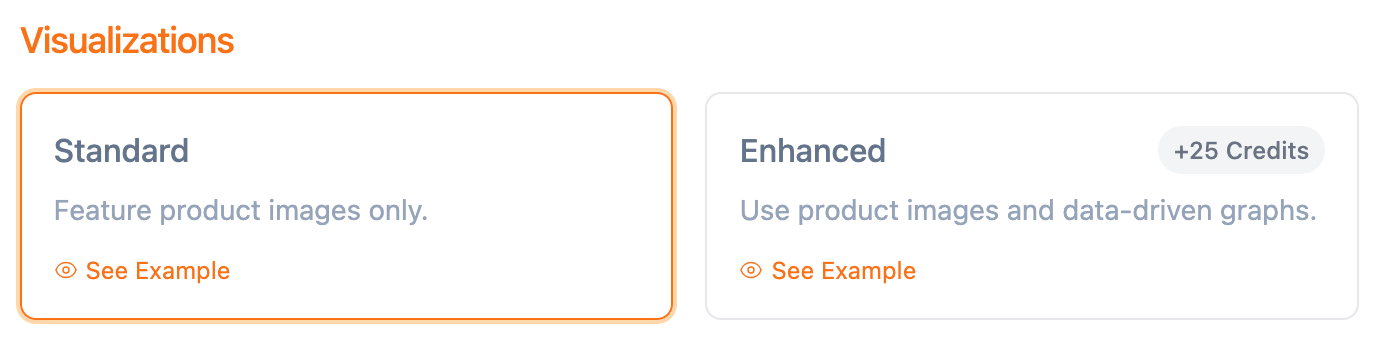 While Standard Visualizations, your Roundup will include photos of the product images, but with Enhanced Visualizations, your Roundup adds data-driven visuals that are delightful, informative, and really make your presentation layer pop. Here is an Enhanced visualization of user reviews presented as a sentiment analysis.
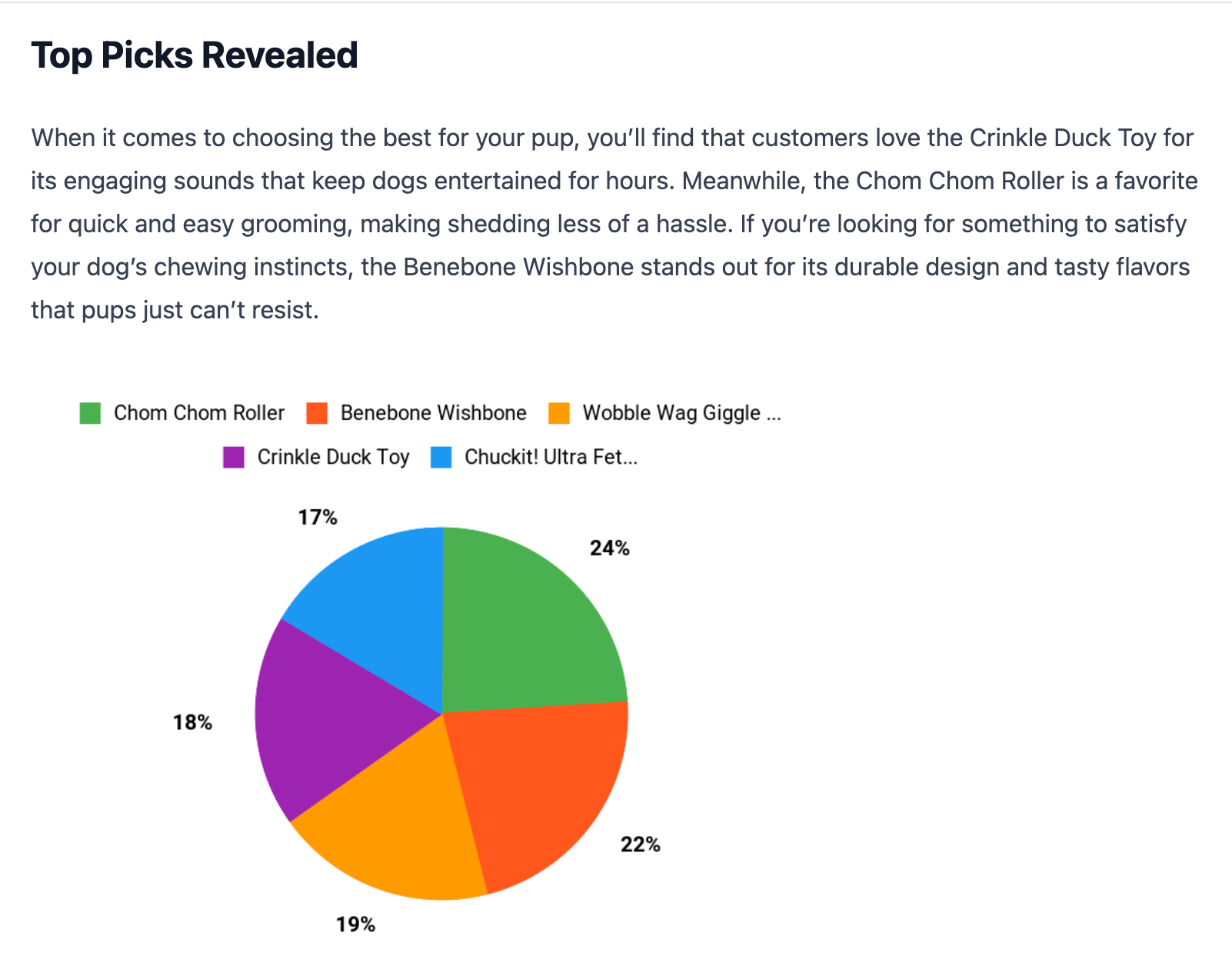
 Here is an Enhanced Visualization of Top Picks, comparing several products and scoring them with a pie grab.
 Enhanced Visualizations add more depth and when you combine that with an Enhanced Language Model performing deeper analysis and reasoning, you get a presentation layer that's sure to motivate a call-to-action.
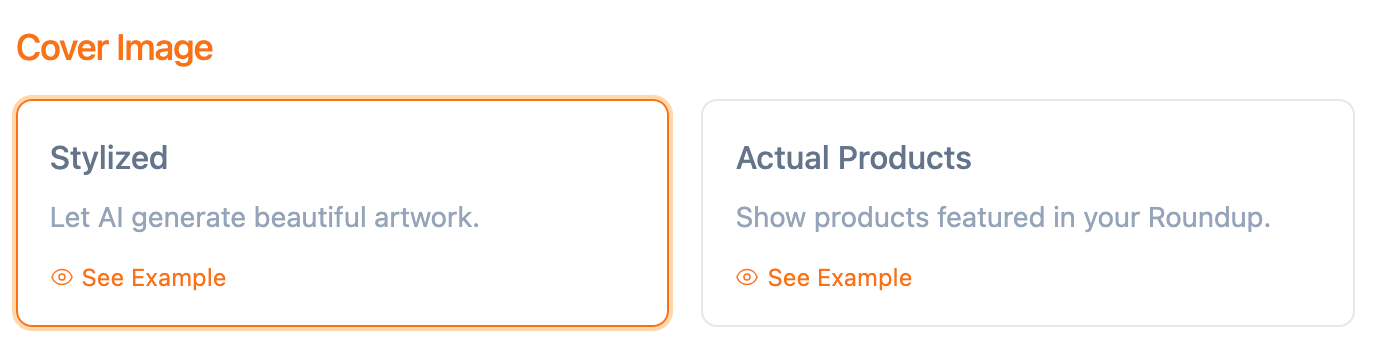
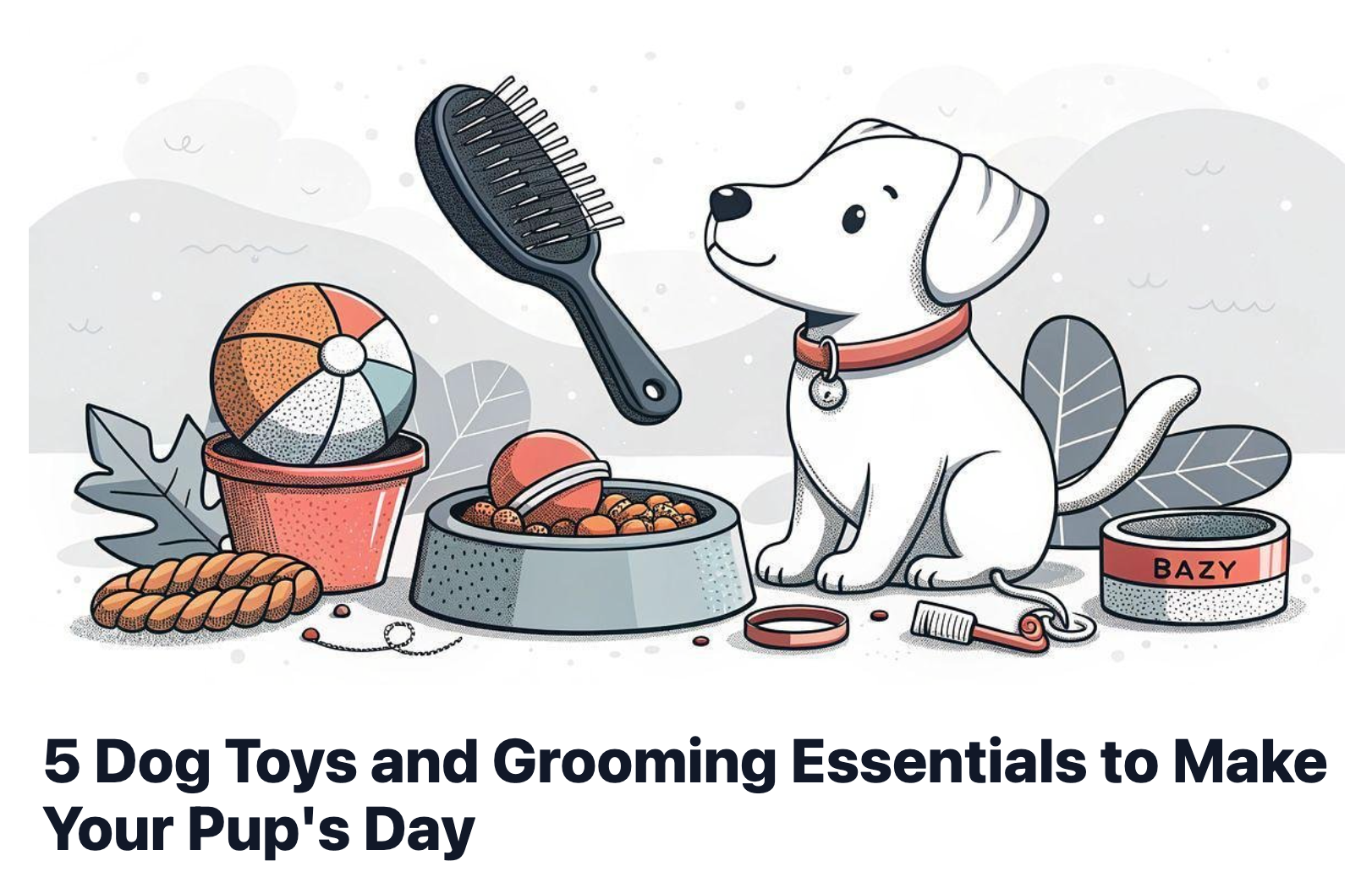
The Cover Image is used at the top of the Roundup as well as for the thumbnail. You can use AI to generate a stylized Cover Image that matches the theme of your Roundup, or you can generate a Cover Image using an actual image of a product(s). Here is a Stylized Cover Image generated with AI.
Here is a cover image generated with actual product images used in the Roundup.
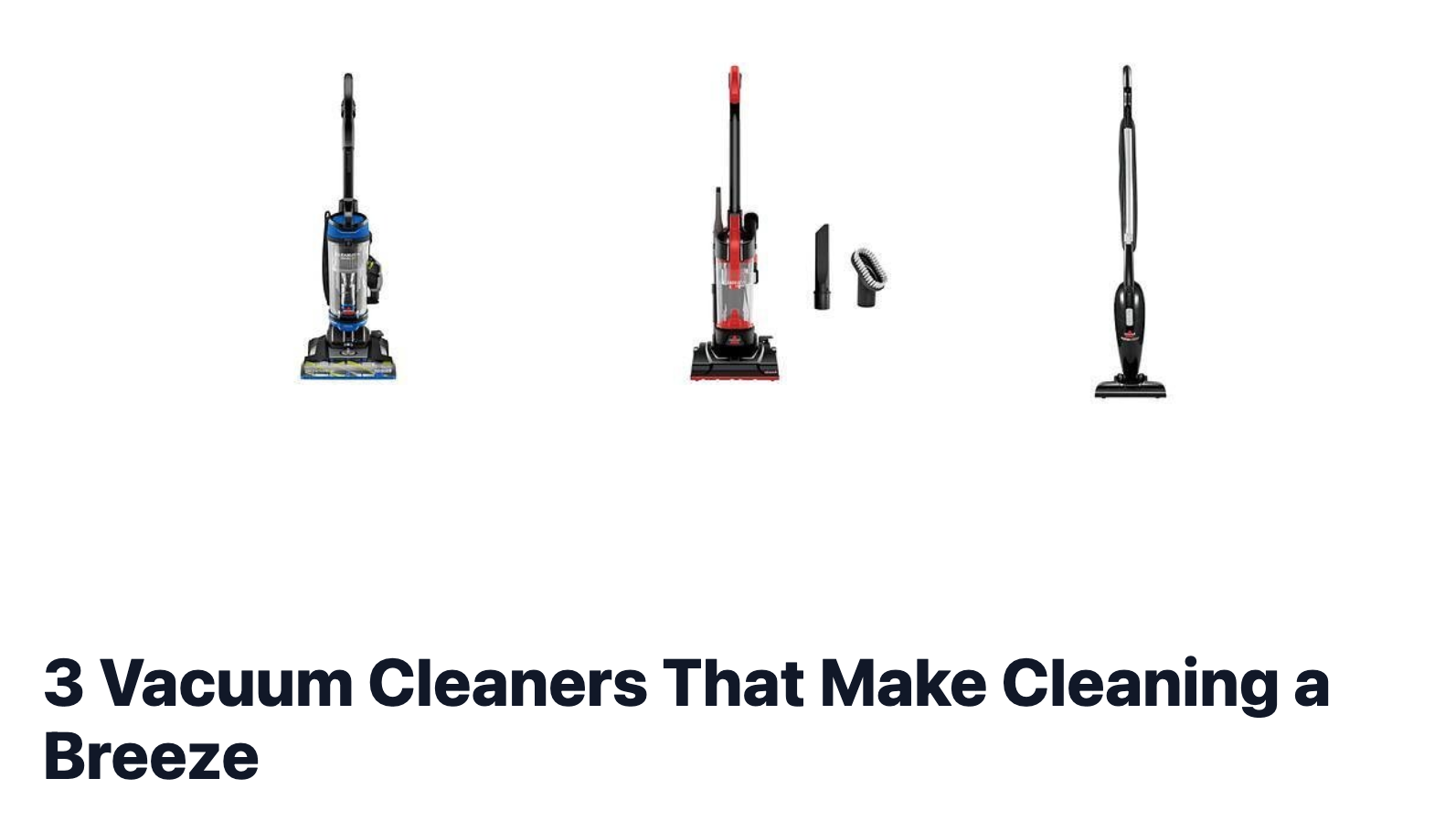
If you use actual product images, you can select how many images you want to include. If you use the Stylized Cover Image option, you can select what color pallette to use but you can't prompt what image will get generated as AI will take care of that automatically based on the content in your Roundup.

Create human-quality product roundups with AI